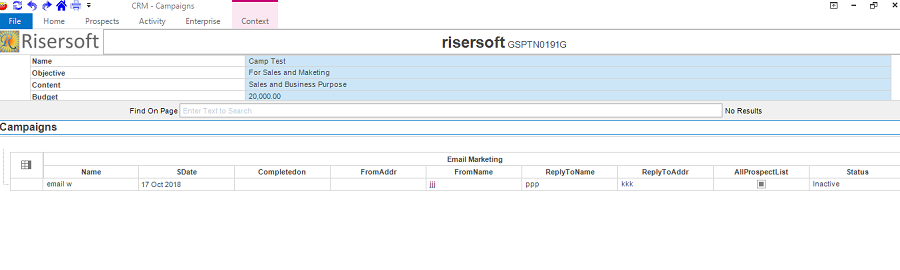
CAMPAIGN
Create
You can create your Campaign by following the given steps:
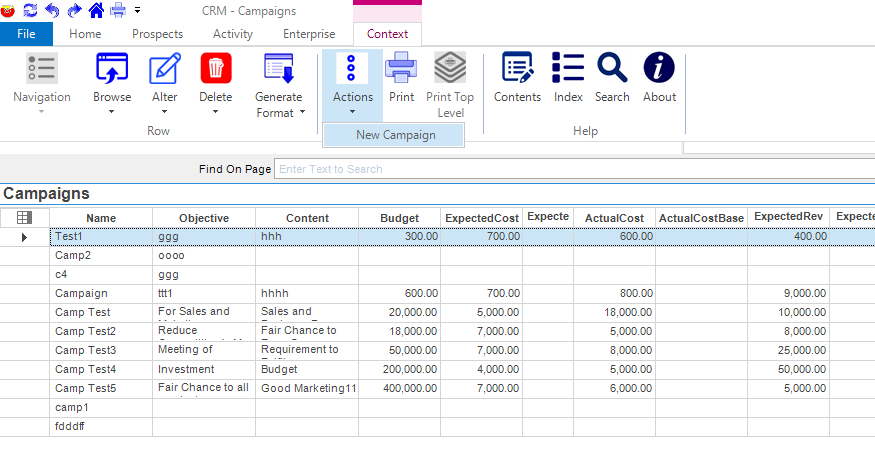
STEP-1: Click on Activity -> Campaigns then click on Context menu -> Actions -> New Campaign. Campaign form will appear.
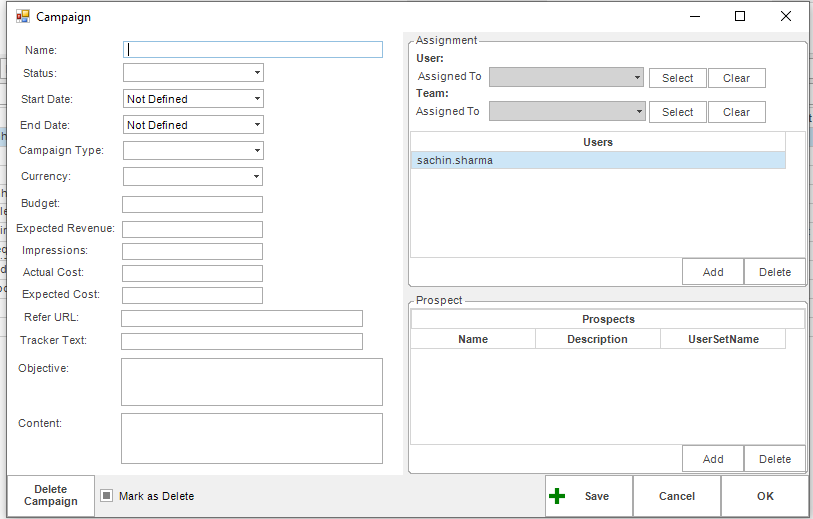
STEP-2: Fill Campaign Details.
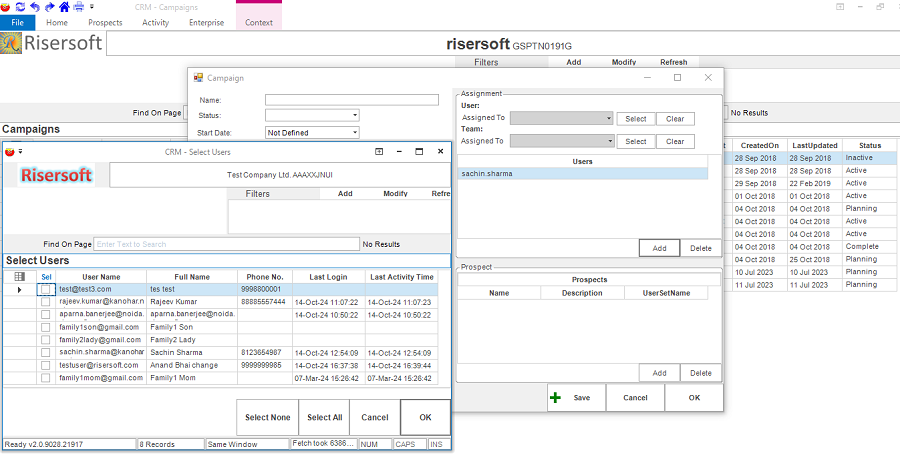
STEP-3: Assign Campaign to User or team by selecting single or multiple users or single team entries from the list.
STEP-4: To Add Prospect. Click on Add Prospects button. A model pop-up with list of prospects will appear. Select prospect that you want to add and click on save button in model pop-up.
STEP-5: Click on Save button.
List
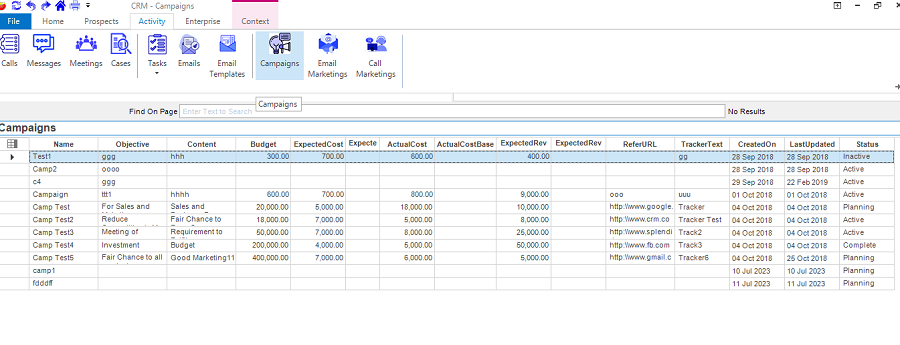
Click on Activity -> Campaigns. The list of campaigns will display.
Edit
You can edit Campaign by following the given steps:
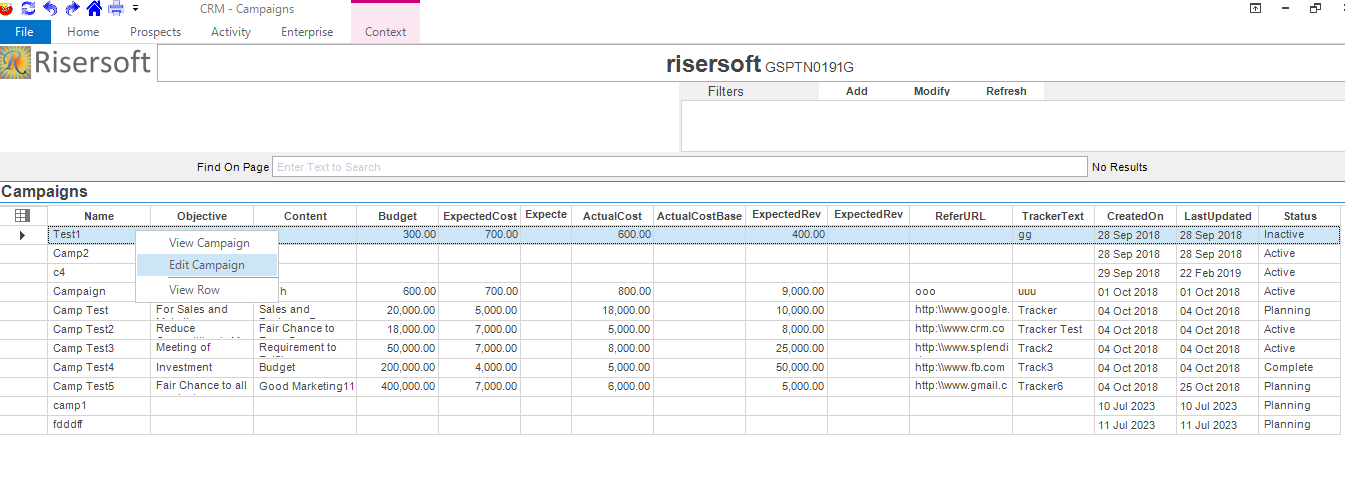
STEP-1: Select the Campaign that you want to edit. Right click on it and select Edit Campaign.
STEP-2: Edit the details and click on Save button.
View
You can view Campaign by following the given steps:
STEP-1: Select the Campaign that you want to view. Right click on it and select View Campaign.