
Person
Create
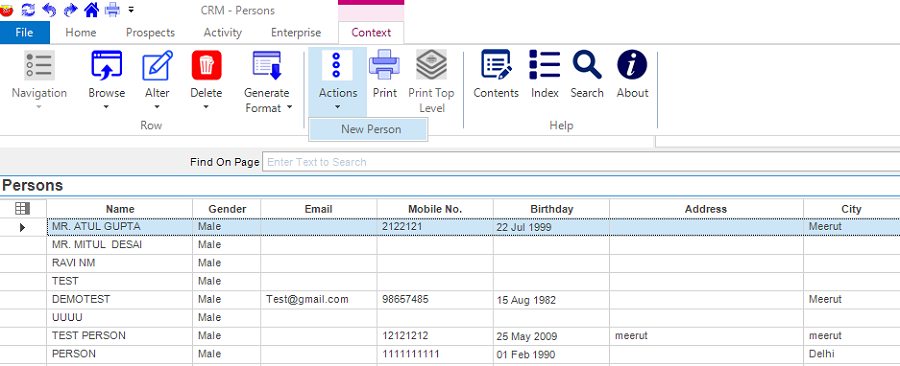
Step-1: Click on Prospects -> Persons then click on Context menu -> Actions -> New Person Option. Person form will appear.
Step-2: Fill the details in the form.
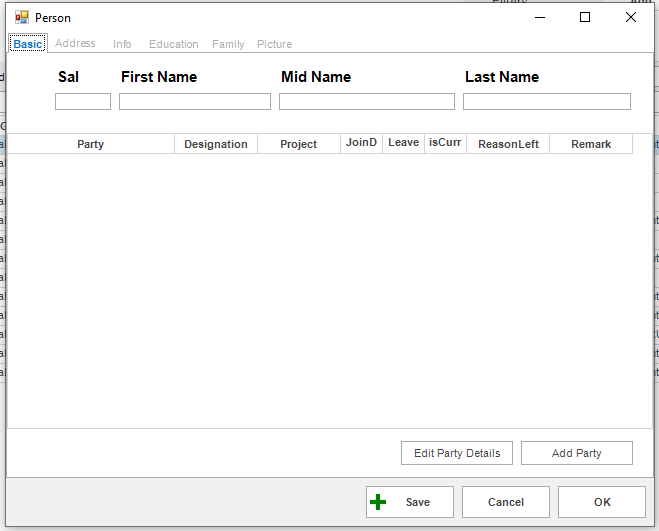
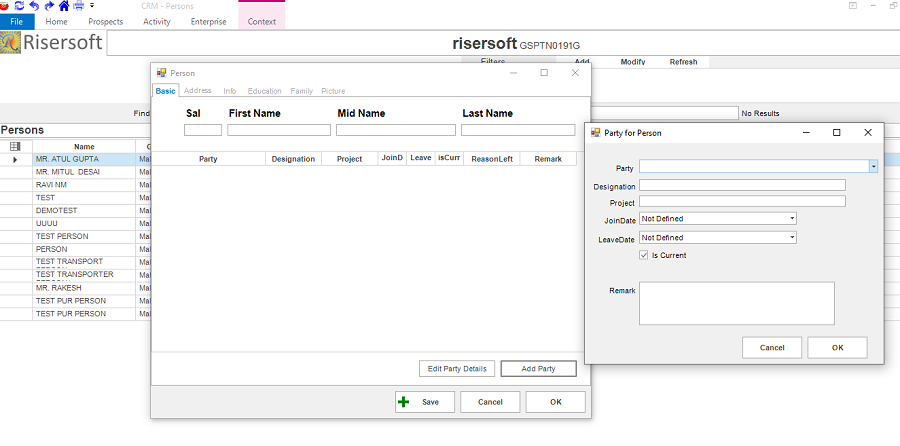
Step-3: Fill the details in the Tabs Address, Info, Education, Family, Picture.
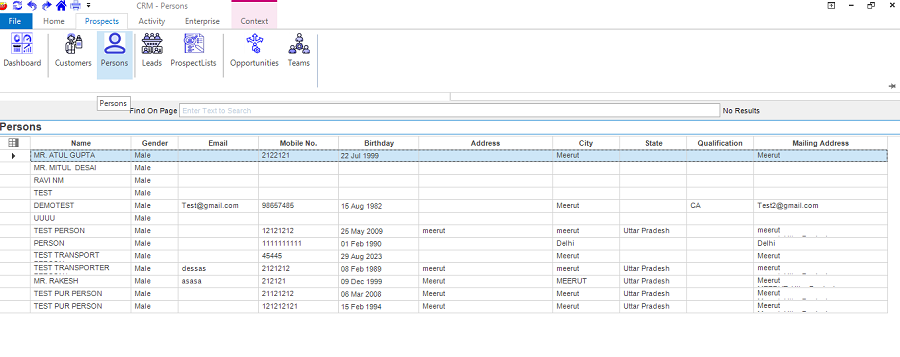
List
Click on Prospects -> Persons. Persons list will appear.
Edit
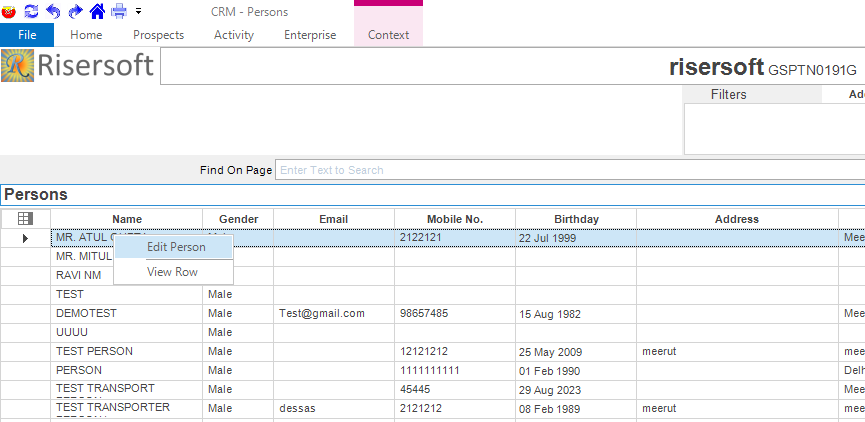
Step-1: Select the person that you want to edit from list. Right click on it and select Edit Person option.
Step-2: Edit the details and click on Save button.