ETOMPLAN

Account Approval: We need to account approval for Primary Purchase Invoice & Purchase Invoice Service.
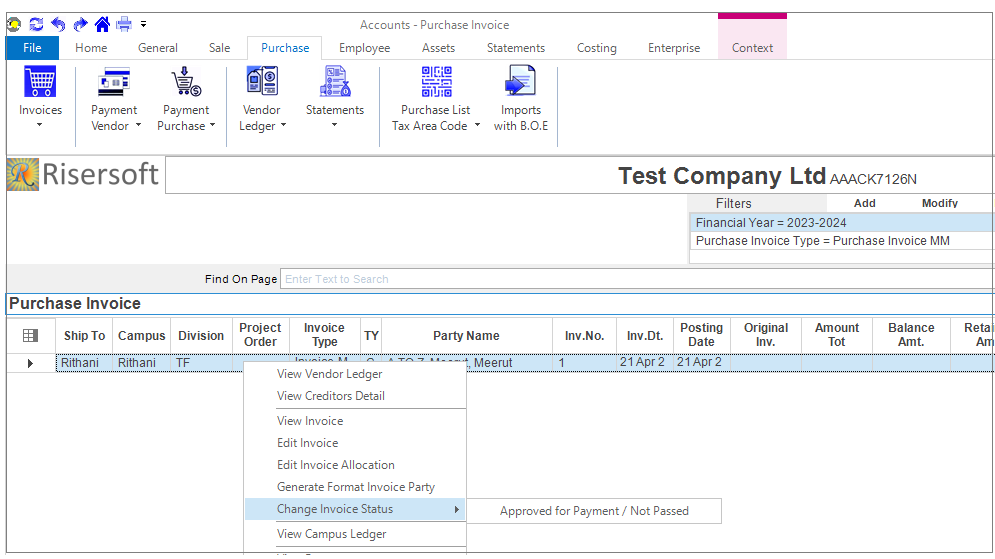
Approval for Primary Purchase Invoice: We can approve for payment or change status Go to -> Account app -> Purchase->Invoices->Right Click -> Change Invoice Status.
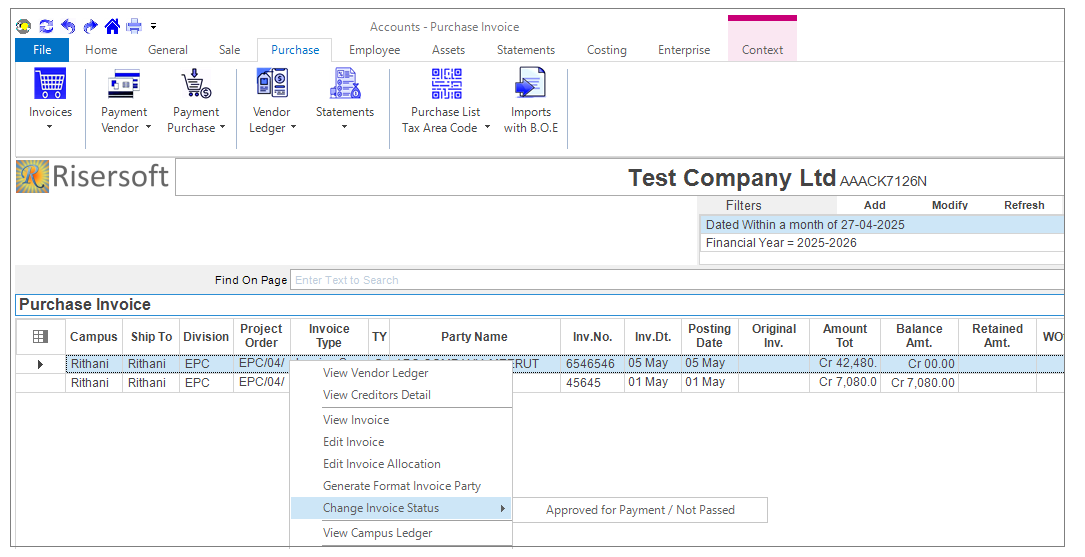
Approval for Purchase Invoice Service: We can change service invoice status by clicking on Go to->Account app -> Purchase -> Invoices -> Right Click -> Change Invoice Status.
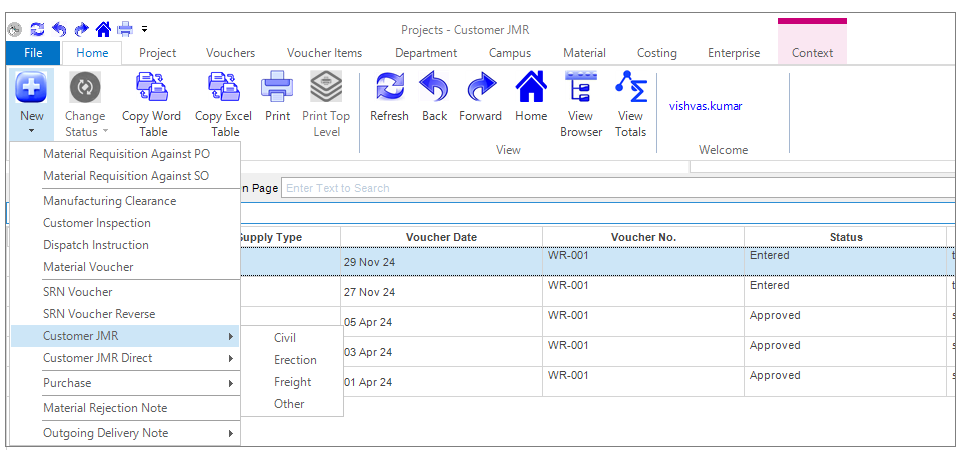
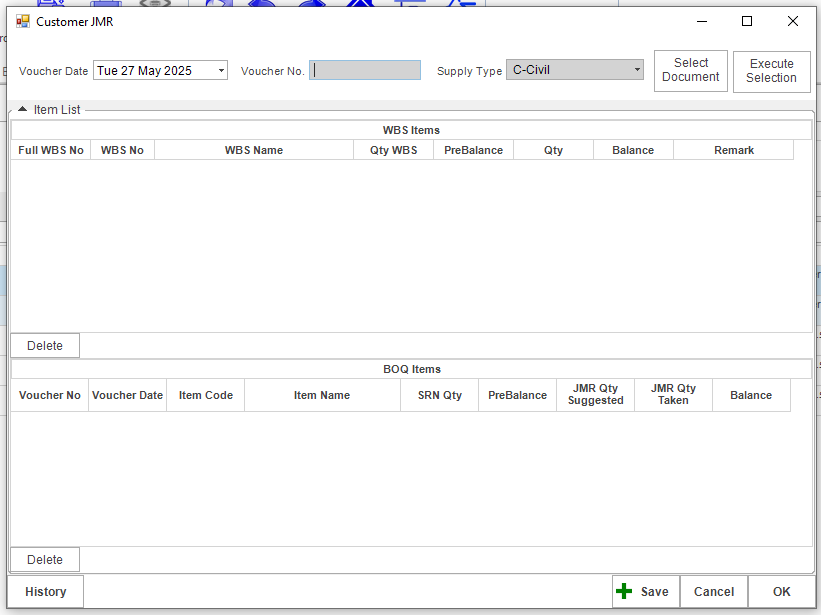
Customer JMR: Go to->Project app ->Home->Customer JMR/Customer JMR Direct.
Form open like this fill the details and click on save button.
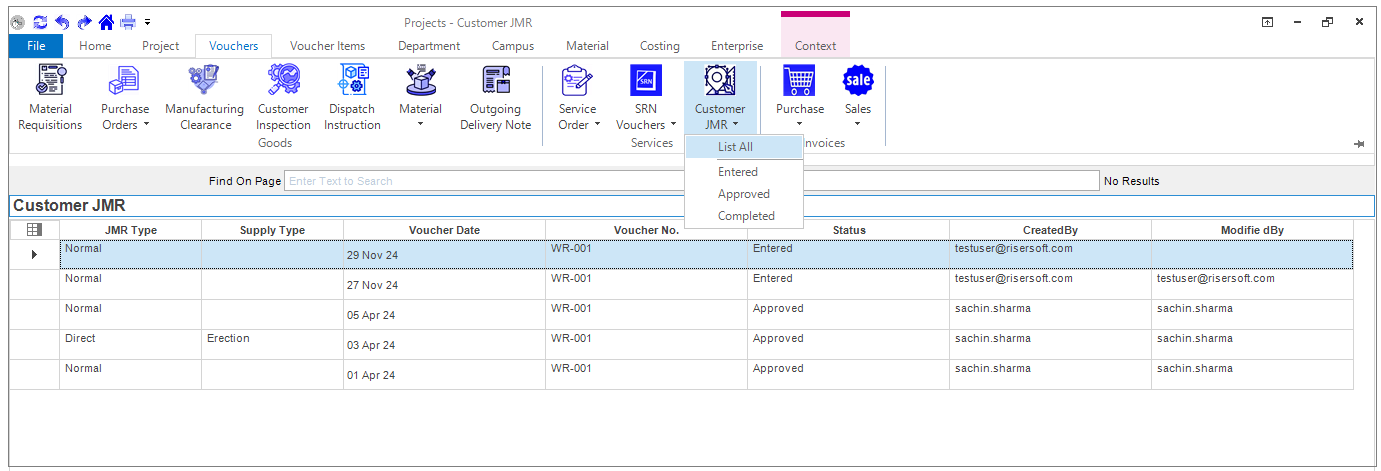
List: For listing clicking on go to-> Project app->Vouchers->Customer JMR.
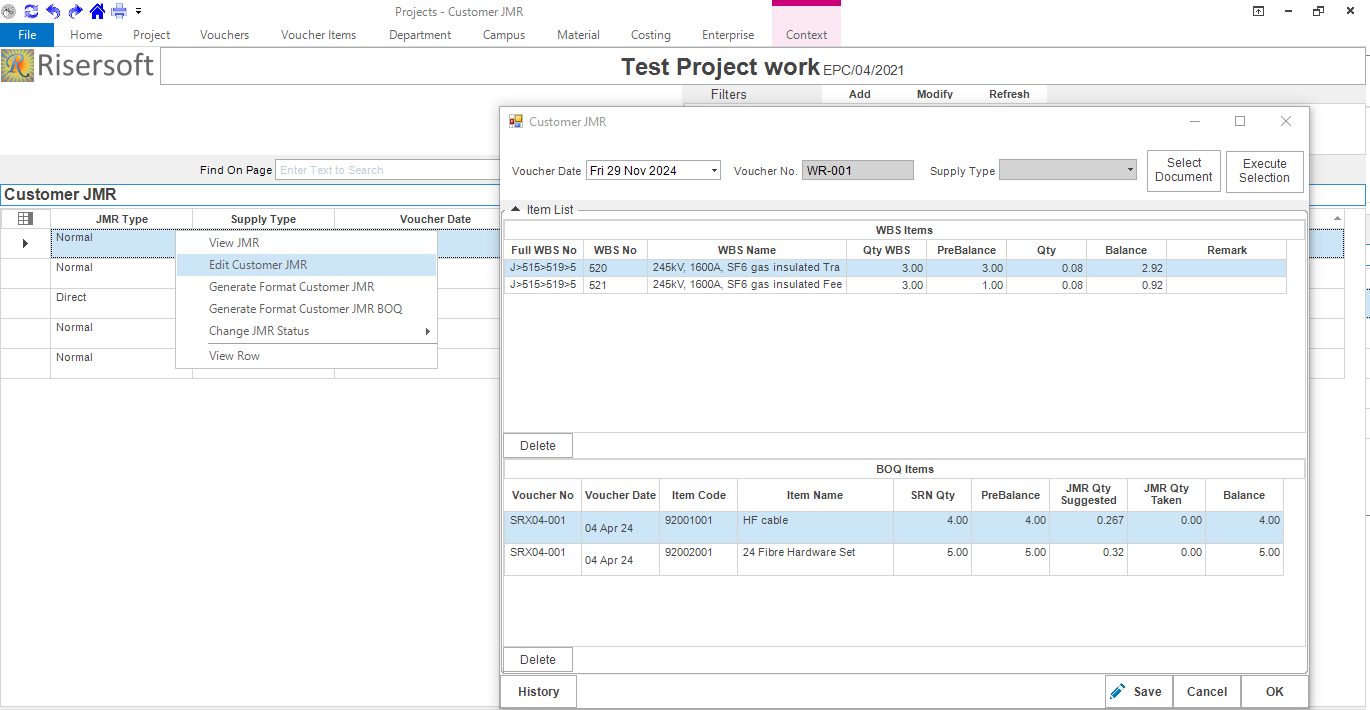
Edit: we can edit Customer JMR clicking on Go to->Project app->Vouchers-> Customer JMR ->Right click ->Edit Customer JMR.
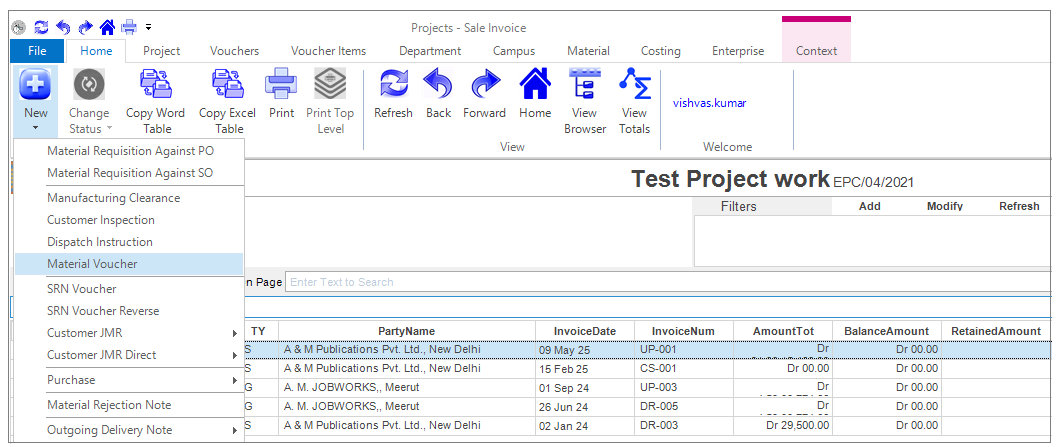
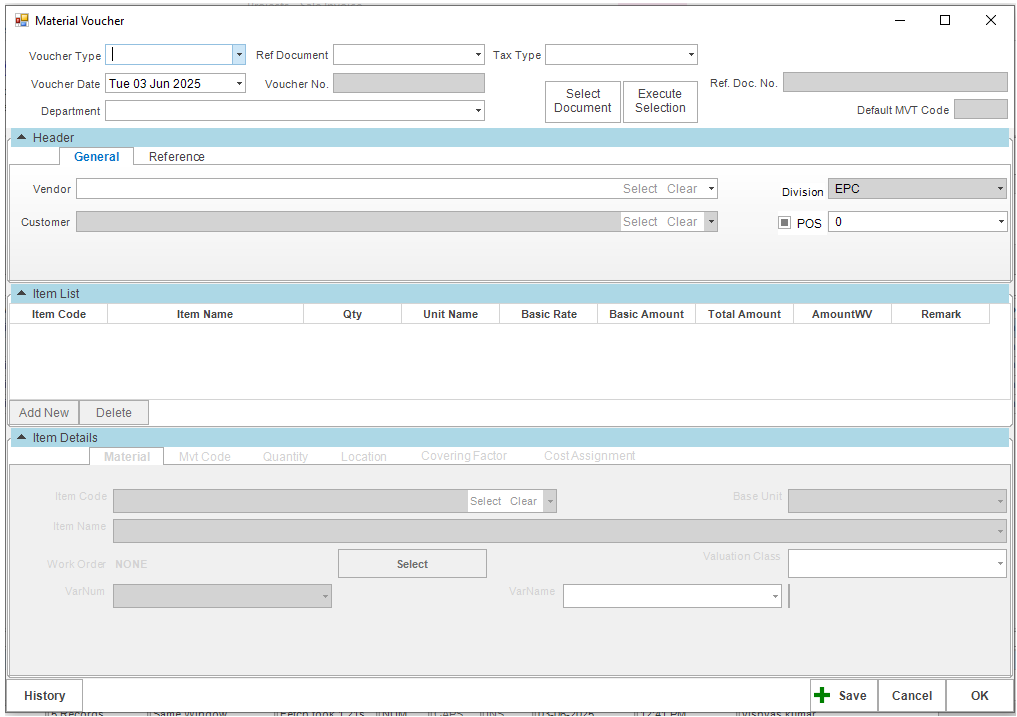
Material Voucher GI/MRHO: Go to->Project app ->Home->New->Material Voucher.
Form open like this fill the details and click on save button.
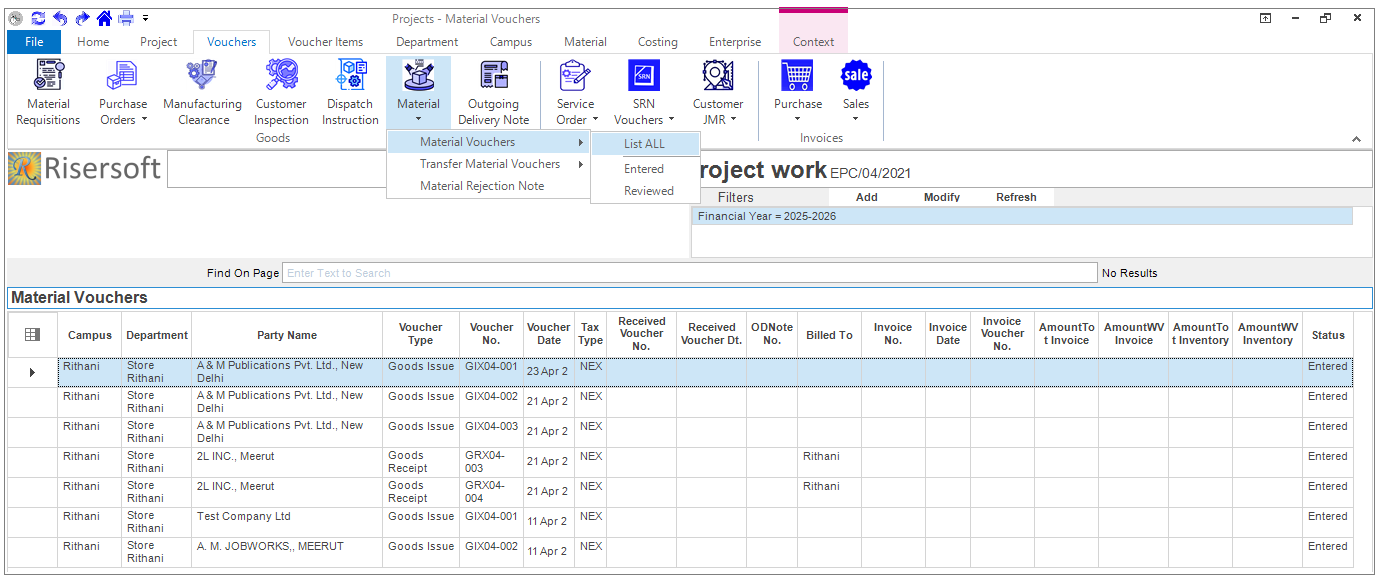
List: For listing clicking on go to-> Project app->Vouchers-> Material -> Material Vouchers.
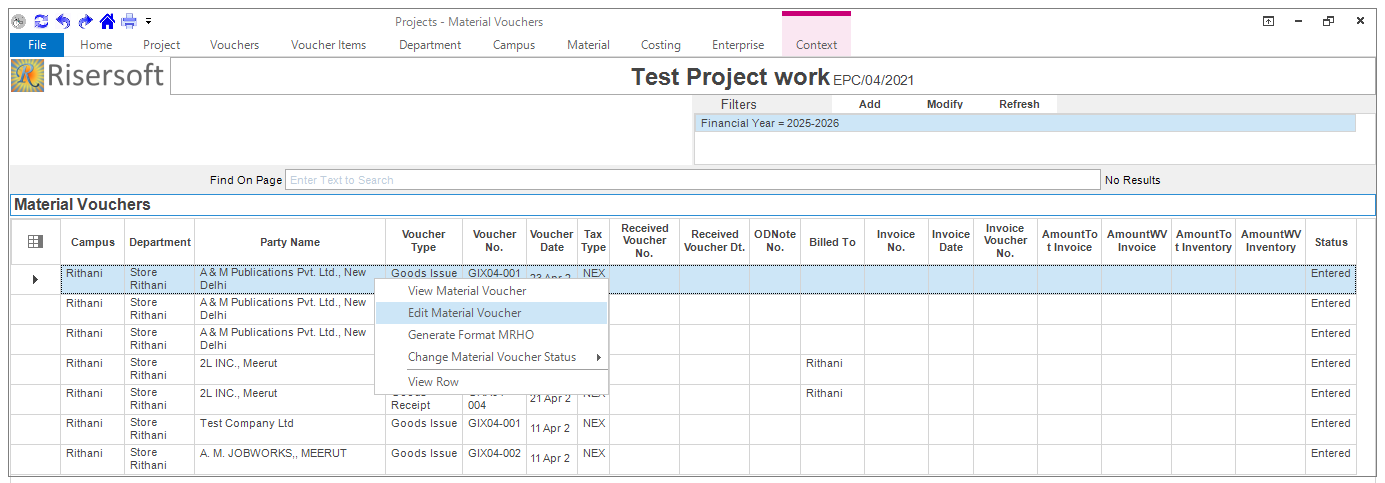
Edit: we can edit Material Voucher clicking on Go to->Project app->Vouchers-> Material Vouchers ->Right click ->Edit Material Voucher
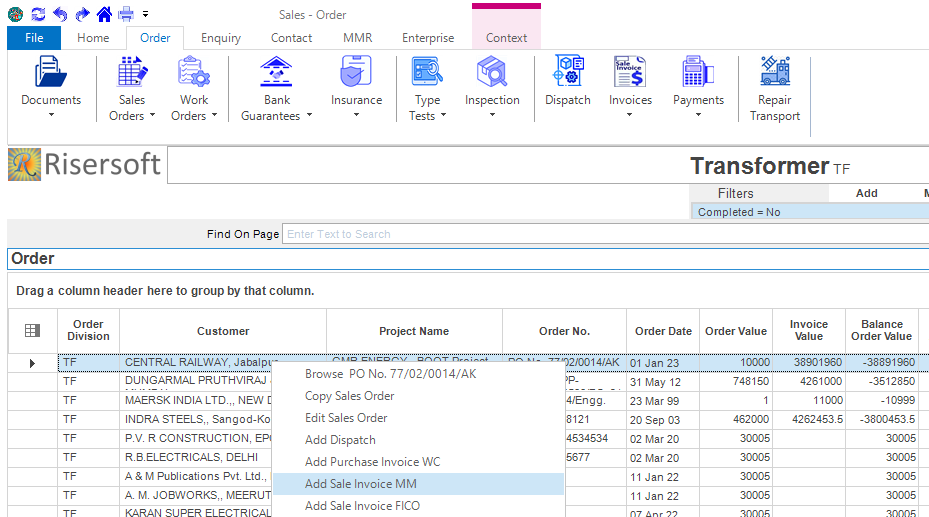
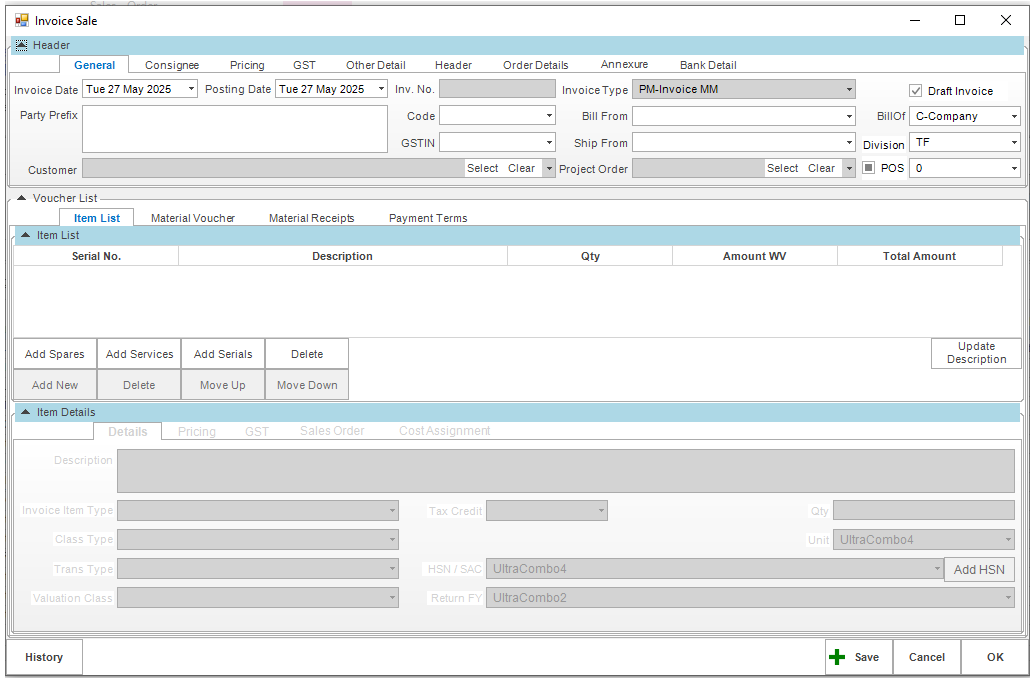
Sale Invoice: Go to->Sales app->Order->New->Sales Order->Right Click->Add Sale Invoice MM.
Sale Invoice form opens like this, fill the details and save it.
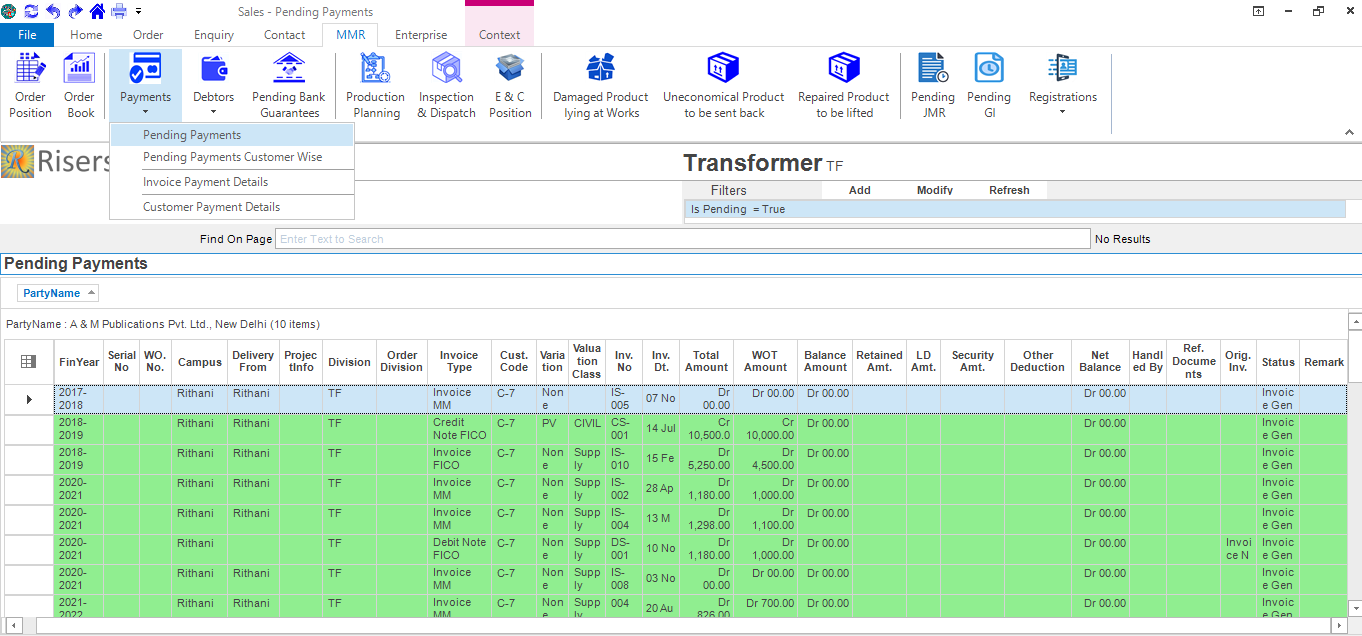
List: Go to MMR->Payments->Pending Payments in sales app.
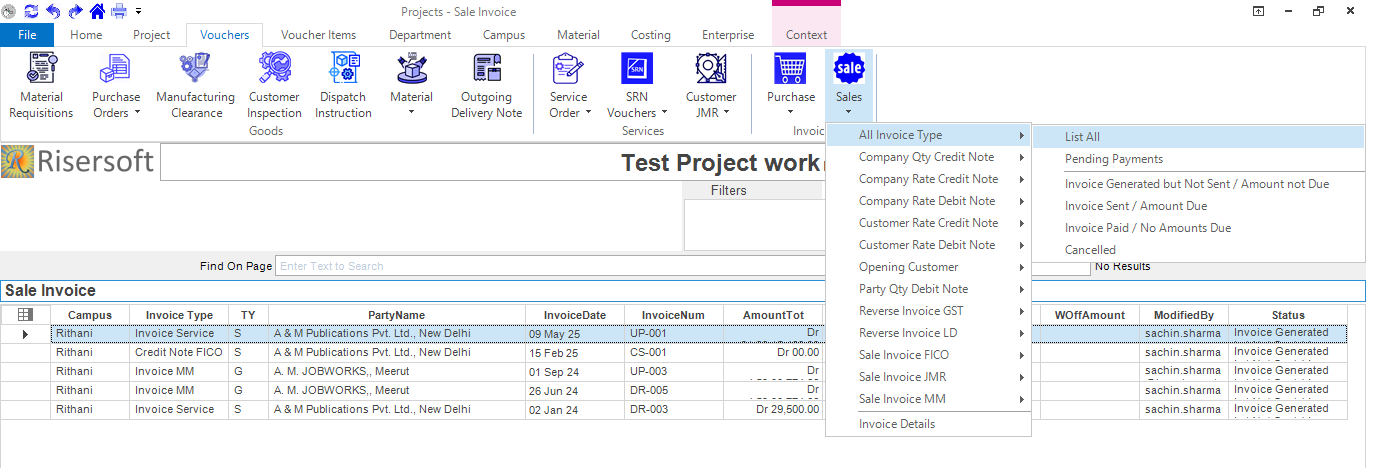
Go to Projects->Vouchers->Sales->All Invoice Type.
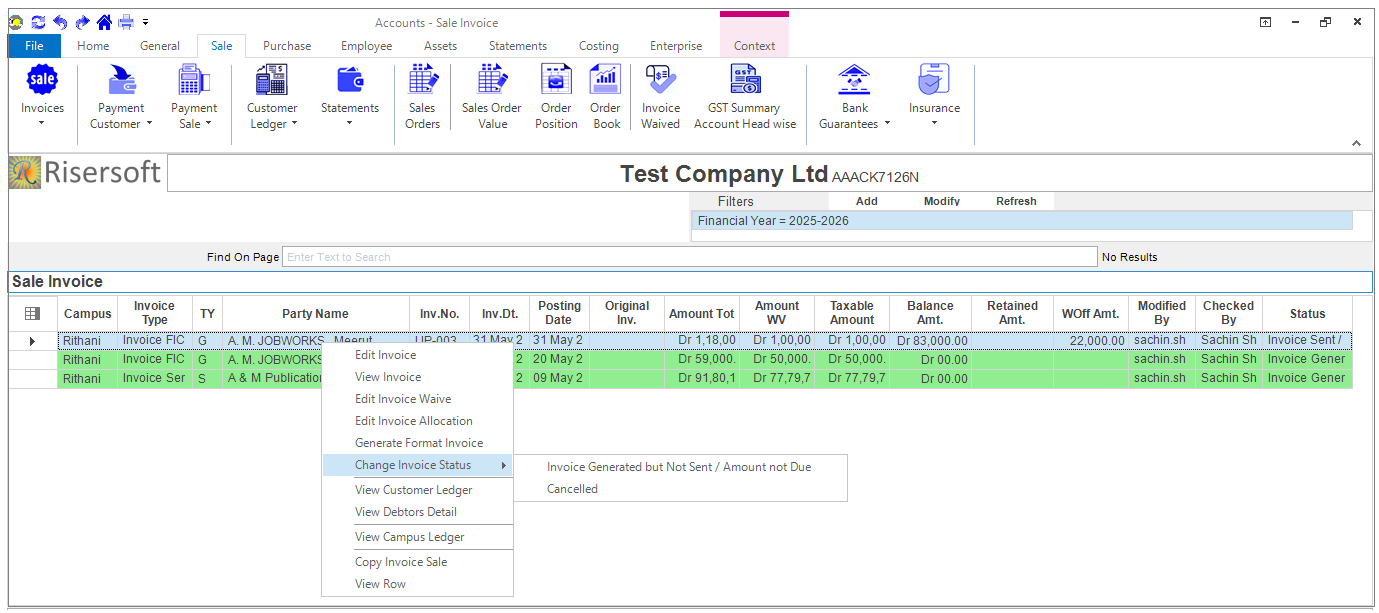
Approval for Sale Invoice: We can change Sale invoice status by clicking on Go to->Account app->Sale->Invoices->Right Click -> Change Invoice Status